
Why Commercial Displays Require 24/7 Operation Capability
Commercial displays have become an essential part of modern business operations. From retail digital signage and restaurant menu boards to transportation information screens, industrial monitoring systems, and outdoor advertising displays, businesses rely on screens to deliver information throughout the day.
Unlike consumer televisions designed primarily for home entertainment, commercial displays are often installed in environments where downtime can disrupt operations, reduce advertising effectiveness, and increase maintenance costs.
Some applications require displays to operate for 12, 16, or even 24 hours a day. In transportation hubs, control rooms, retail networks, and public information systems, continuous operation may be a critical business requirement.
This is why 24/7 operation capability is an important consideration when selecting commercial displays.
But what does 24/7 operation really mean? Why do commercial displays need this capability, and what technical features help them operate reliably for extended periods?
In this article, we explain the importance of continuous operation, the engineering factors that affect display reliability, and what B2B buyers should evaluate when sourcing commercial display solutions.
1. What Does 24/7 Operation Mean for Commercial Displays?
A commercial display rated for 24/7 operation is designed and specified for continuous use throughout the day and night, subject to the manufacturer’s stated operating conditions.
The term generally indicates that the display is intended to remain powered on and operating continuously rather than requiring regular daily shutdowns.
However, 24/7 capability does not mean that a display will never fail, require maintenance, or experience component wear. Actual service life depends on product design, operating temperature, brightness settings, installation conditions, maintenance, and other factors.
It is also important to distinguish between a display’s rated operating schedule and its expected service life.
- Operating schedule: How many hours per day the display is designed to operate.
- Reliability: How consistently the display performs without faults or interruptions.
- Service life: How long the display or its components remain suitable for use under specified conditions.
- Warranty period: The period during which the manufacturer provides coverage under the applicable warranty terms.
For B2B buyers, these are related but different specifications. A product described as supporting 24/7 operation should be evaluated against its technical documentation and the actual requirements of the project.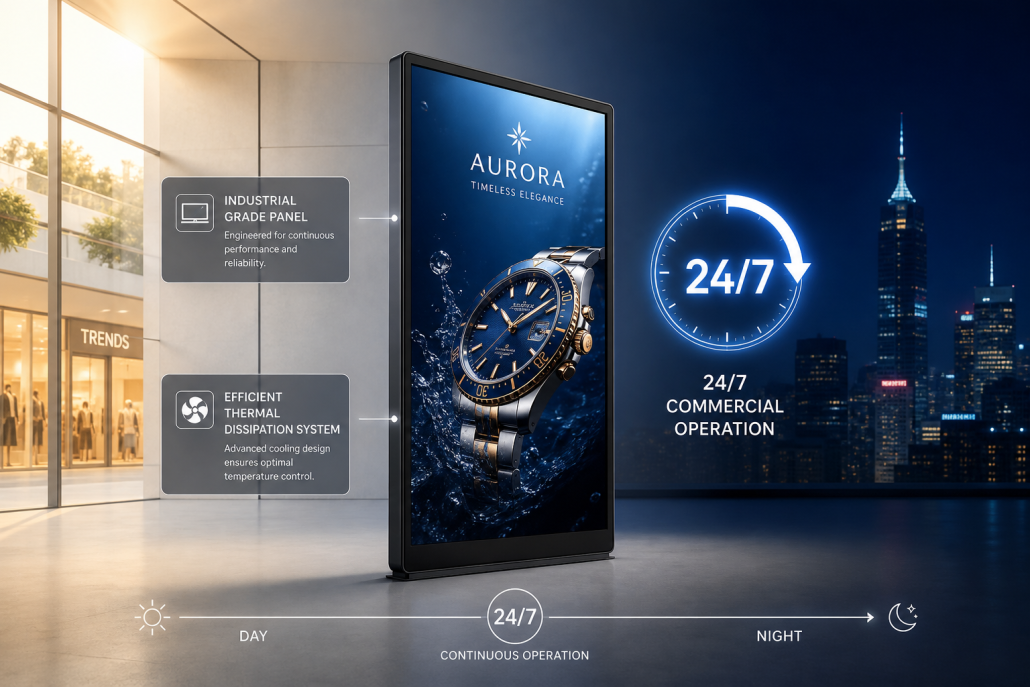
2. Minimize Downtime and Business Disruption
One of the main reasons commercial displays require continuous operation capability is the need to minimize downtime.
In many commercial environments, displays are not simply decorative screens. They provide information, support customer decisions, communicate promotions, or form part of an operational system.
When a display stops working, the consequences may extend beyond the screen itself.
Examples of Business Impact
Retail and advertising
A failed display may interrupt promotional campaigns, reduce advertising exposure, and create inconsistent brand presentation across a retail network.
Restaurants and digital menu boards
A malfunctioning digital menu board can make it harder for customers to view products and prices, potentially disrupting ordering operations.
Transportation and public information
Displays used for passenger information, schedules, directions, or service announcements may need to remain available throughout operating hours.
Industrial and commercial facilities
Monitoring displays and information screens may support daily workflows, making unexpected interruptions inconvenient or costly.
For businesses managing dozens or hundreds of displays, even a small number of failures can create additional service calls, replacement costs, and maintenance work.
A display designed for its intended operating schedule, combined with appropriate maintenance and monitoring, can help reduce avoidable interruptions.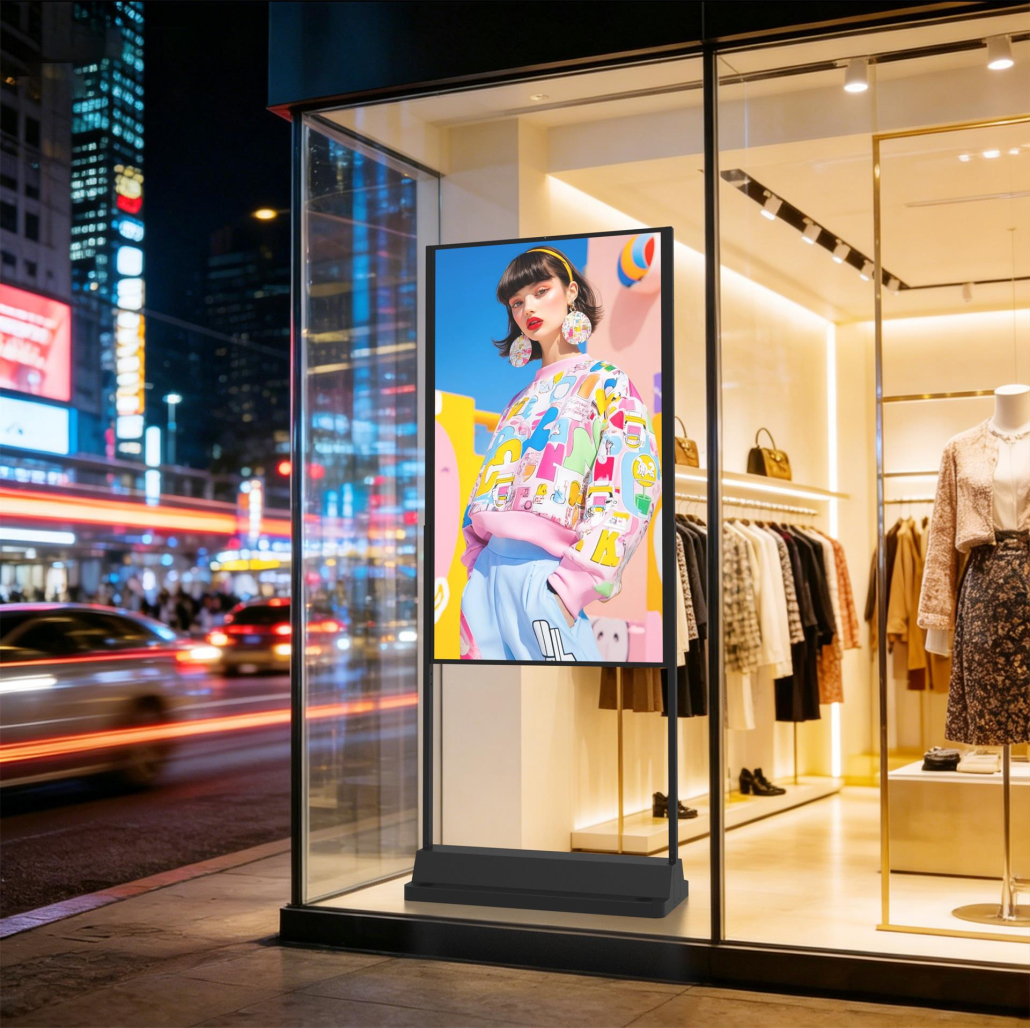
3. Improve Reliability with Industrial-Grade Components
Commercial displays intended for extended operation need components and system designs suited to their expected workload.
Consumer displays may be suitable for many everyday viewing applications, but not every consumer model is designed or specified for continuous commercial operation.
Commercial display manufacturers may use components selected for greater operating stability, longer duty cycles, or the requirements of particular installation environments.
Important Components to Evaluate
LCD panel
The panel should be suitable for the expected operating schedule, ambient temperature, brightness level, and viewing conditions. Industrial-grade or commercial-grade panels may be appropriate for demanding installations, depending on the product specification.
Backlight system
The backlight is a key factor in display performance over time. Brightness settings, thermal conditions, and operating hours can influence backlight aging and the rate at which luminance changes.
Power supply
A suitably rated power supply helps support stable operation under the intended electrical and thermal conditions.
Control board and electronic components
The display controller, internal connections, and supporting electronics should be designed and validated for the intended use.
Cooling system
Thermal management helps keep key components within their specified operating temperature range.
Not every 24/7 commercial display uses the same components or construction. Buyers should review the actual product specifications, operating ratings, and validation information rather than assuming that a particular component type guarantees reliability.
4. Effective Thermal Management Is Essential
Heat is one of the key factors affecting the reliability of commercial displays operating for long periods.
Display panels, backlights, power supplies, and electronic components generate heat during operation. High brightness can increase thermal load, while warm ambient temperatures and restricted airflow can make heat dissipation more difficult.
If temperatures exceed the recommended operating range, components may age faster, performance may become unstable, and protective systems may reduce brightness or shut down the display.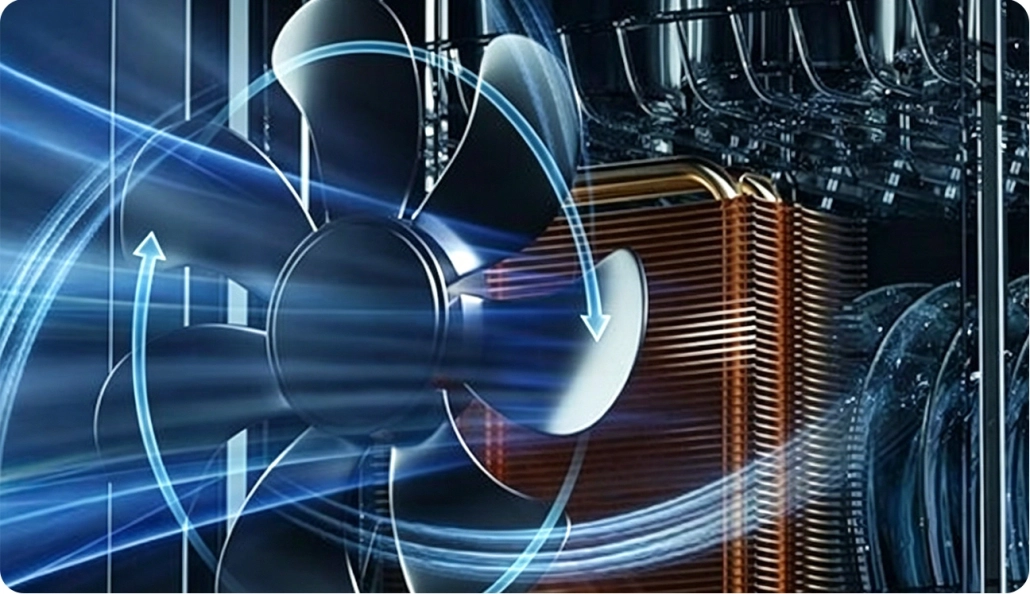
How Commercial Displays Manage Heat
Optimized enclosure design
The enclosure should allow heat to move away from critical components while meeting the mechanical and environmental requirements of the installation.
Fanless thermal design
Some commercial displays use metal housings or heat-dissipating structures to transfer heat without relying on fans. Fanless designs can reduce fan-related noise and maintenance, but their suitability depends on power consumption, enclosure design, and ambient temperature.
Active cooling
High-power or high-brightness systems may require fans or other active cooling methods. These systems must be designed for the expected environment and maintained as specified.
Temperature monitoring and protection
Temperature sensors and protective controls can help prevent operation beyond specified thermal limits.
Adequate ventilation
Correct installation spacing and unobstructed airflow can help prevent heat from accumulating around the display.
For outdoor digital signage and high-brightness window displays, thermal design is especially important because direct sunlight can increase the temperature of the enclosure and its internal components.
A display intended for 24/7 operation should be evaluated under realistic operating conditions, not only during a brief demonstration.
5. Maintain Stable Brightness and Image Quality
Commercial displays are often used to present advertising, menus, product information, and other content that must remain clear and readable.
Over time, prolonged operation can affect the brightness and consistency of display components. Backlights may gradually lose luminance, and differences between individual units can become noticeable across a large installation.
These changes depend on component quality, temperature, brightness settings, and operating hours.
Why Stable Image Quality Matters
Retail advertising
Consistent brightness and color help maintain a professional brand presentation across multiple stores.
Digital menu boards
Customers need to read prices, product descriptions, and promotions clearly throughout business hours.
Transportation displays
Clear information is important for schedules, directions, and passenger announcements.
Multi-screen installations
Displays installed side by side should maintain reasonably consistent visual performance to avoid noticeable differences across the installation.
When evaluating a commercial display, buyers should consider brightness specifications, color consistency, panel characteristics, and the manufacturer’s information about performance over time.
A 24/7 operating rating alone does not guarantee that brightness and color will remain unchanged indefinitely.
6. Reduce Maintenance and Total Cost of Ownership
The purchase price is only one part of the total cost of a commercial display project.
Businesses must also consider installation, electricity, maintenance, replacement parts, technician visits, downtime, and eventual replacement.
For display networks operating throughout the day, frequent failures or unsuitable hardware can create substantial operational expenses.
How Suitable 24/7 Displays Can Help
Fewer avoidable interruptions
Products designed for the required operating schedule can reduce the risk associated with using equipment outside its intended duty cycle.
More predictable maintenance planning
Clear operating specifications and maintenance requirements help businesses plan service activities.
Reduced replacement pressure
Appropriate component selection and thermal management may help extend useful service life, although actual results depend on operating conditions.
Simplified fleet management
Standardized products and consistent technical documentation can make it easier to maintain large display networks.
Lower operational risk
Choosing equipment matched to the application helps avoid unnecessary service calls and unexpected disruptions.
A 24/7-rated display may have a higher initial purchase price than a display intended for shorter operating hours. However, the more appropriate comparison is total cost of ownership over the expected project life.
For B2B buyers, this means evaluating purchase price alongside expected operating hours, energy consumption, maintenance requirements, warranty coverage, and downtime risk.
7. Support a Wide Range of Commercial Applications
Different commercial environments have different operating schedules. Some displays run only during business hours, while others must remain available around the clock.
Applications That May Require 24/7 Operation
Transportation hubs
Passenger information and wayfinding displays may need to operate continuously to support services running at different times of day.
Security and monitoring rooms
Displays used for continuous monitoring may be required to remain active throughout the day and night.
Retail and shopping centers
Some advertising networks operate beyond normal retail hours, particularly in locations with extended access or high nighttime foot traffic.
Outdoor advertising
Public-facing displays may be scheduled to operate for long periods, subject to local regulations, energy policies, and installation requirements.
Industrial facilities
Production and facility monitoring screens may support processes that continue across multiple shifts.
Healthcare and public facilities
Certain information systems may need continuous availability, depending on their function and the facility’s operating schedule.
Not every application requires 24/7 operation. The correct choice depends on the actual operating schedule, business requirements, and consequences of downtime.
Selecting a display with a suitable operating rating helps align the hardware with the intended use.
8. 24/7 Operation Is Especially Important for Outdoor and High-Brightness Displays
High-brightness commercial displays often operate in environments that place additional demands on the hardware.
For example, outdoor advertising screens and high-brightness window displays may need to remain visible during daylight hours while handling heat from the backlight and, in outdoor installations, solar exposure.
These combined demands make thermal management and component selection particularly important.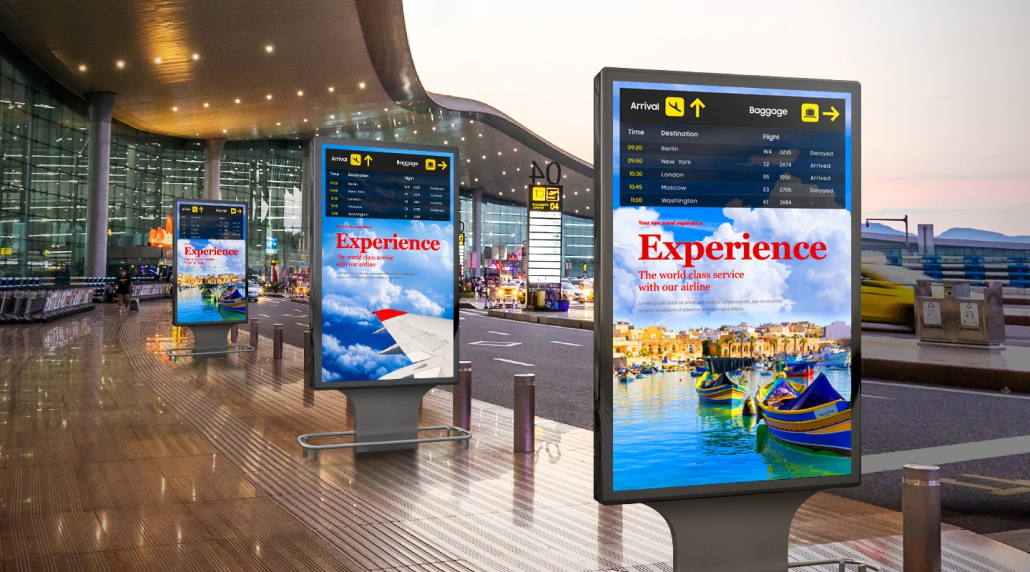
Key Considerations for High-Brightness Displays
Sustained brightness
Confirm whether the stated brightness is a typical or maximum value and whether the product is specified to maintain the required operating performance over the intended schedule.
Thermal performance
Check the operating temperature range, cooling design, and any limitations associated with high-brightness operation.
Environmental protection
For outdoor installations, review the enclosure’s IP rating and other applicable environmental specifications.
Automatic brightness control
Ambient light sensors can help adjust brightness to changing conditions, reducing unnecessary output when full brightness is not needed.
Maintenance access
For displays installed in difficult-to-reach locations, accessible service points and a clear maintenance plan can help reduce downtime.
A high-brightness display should not be considered suitable for continuous outdoor operation solely because it produces a high number of nits. Its operating rating, thermal design, enclosure protection, and installation conditions must all be appropriate.
9. How to Choose a Commercial Display for 24/7 Operation
When sourcing displays for a commercial project, buyers should look beyond marketing claims and confirm the technical details that affect long-term performance.
Commercial Display Procurement Checklist
| Evaluation Factor | What to Check |
|---|---|
| Operating rating | Is the product explicitly specified for 24/7 operation? |
| LCD panel | Is the panel suitable for the required operating schedule and environment? |
| Brightness | Does the display provide adequate brightness for the installation? |
| Thermal management | Can heat be managed within the rated operating conditions? |
| Power supply | Is the power system appropriately rated for the intended use? |
| Environmental conditions | Are the temperature, humidity, dust, and moisture requirements addressed? |
| Image quality | Are brightness, color, and viewing angle suitable for the application? |
| Maintenance | Are service procedures and replacement parts available? |
| Warranty | What coverage applies to the display and its components? |
| Supplier support | Can the manufacturer provide technical documentation and after-sales support? |
Questions to Ask Your Display Manufacturer
Before placing an order, ask the supplier:
- Is this specific model rated for 24/7 operation?
- What ambient temperature range is supported?
- What brightness level is specified, and under what measurement conditions?
- Are there operating limitations at maximum brightness?
- What thermal protection and cooling features are included?
- What testing is performed before shipment?
- What warranty terms, spare parts, and technical support are available?
- Can the manufacturer support consistent specifications across bulk orders?
For OEM/ODM projects, buyers should also confirm customization feasibility, production capacity, sample validation, and long-term component availability.
The answers should be supported by product documentation wherever possible.
How Kontech Supports Commercial Display Projects
As a commercial display manufacturer, Kontech provides display solutions for digital signage, retail advertising, digital menu boards, outdoor applications, and other commercial environments.
For B2B buyers, choosing the right display requires matching the product’s operating specifications to the demands of the installation.
Depending on the model and project requirements, important considerations may include:
- Operating schedule and intended duty cycle.
- Brightness and viewing environment.
- Thermal management and enclosure design.
- Display size, format, and installation method.
- OEM/ODM customization requirements.
- Technical documentation and product support.
Whether you are a distributor, system integrator, brand owner, or project contractor, evaluating these factors helps you select a display solution that fits your operational requirements.
Contact Kontech to discuss your commercial display project, request product specifications, and explore OEM/ODM options for your business.

